Kii Control Firmware Update for Kii SEVEN Systems
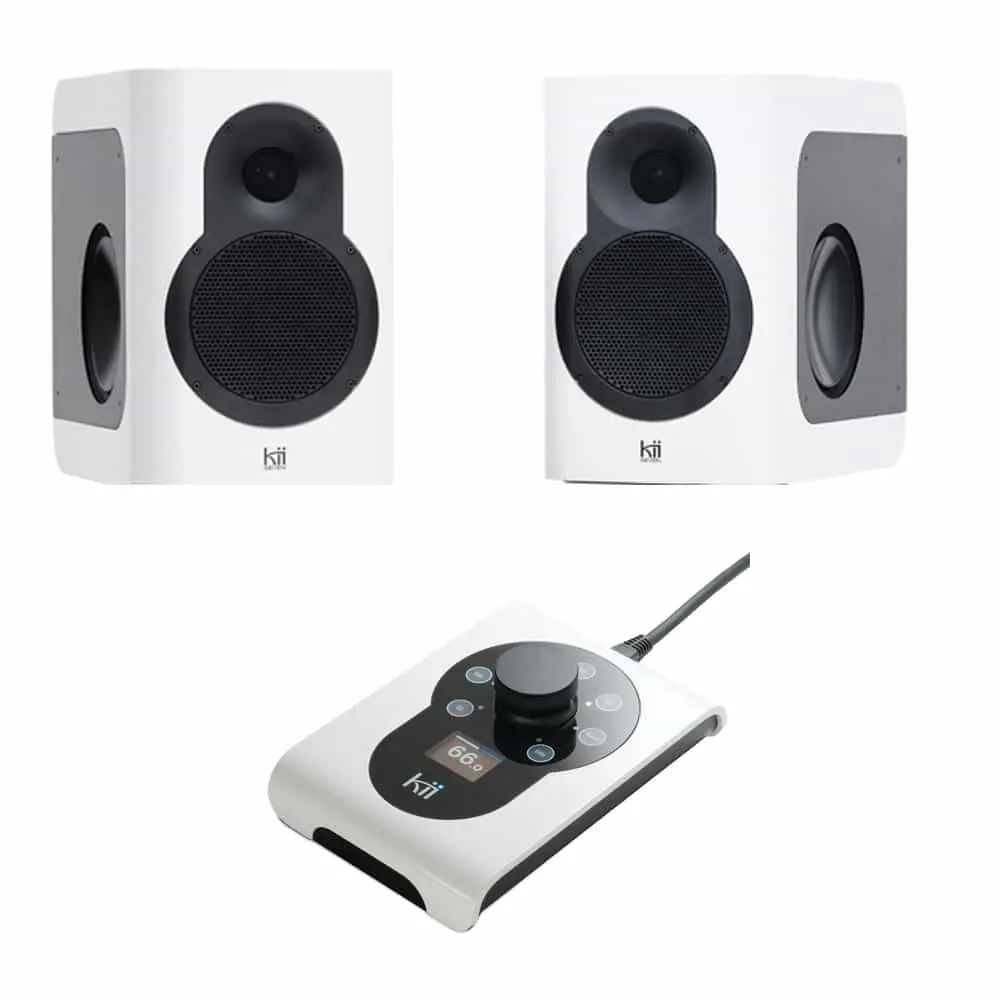
The current Kii SEVEN firmware release now enables simultaneous volume and source control with the Kii Home App and the Kii Control.
All menu options are now conveniently available through the Kii Home App, for iOS and Android.
Volume Knob, Dim/Mute function and the Kii Control source selection buttons however are still fully functional and now work in parallel between Kii Control and Kii Home App.
In order for this to work, the Kii Control itself needs to be updated manually if it´s not running version 4.5 or higher.
(This only needs to be done once; subsequent updates and any version above Kii Control fw.4.5 will be updated via the Kii Sevens as well)
To update the Kii Control there is a convenient software tool available here: https://www.support.kiiaudio.com/updatetool
Please download the tool to your Mac or PC and follow the steps below:
1. Remove all cables from the Kii Control
2. Connect it via a USB cable to a Mac or PC.
3. Start the update tool, it will detect the Kii Control.
4. Press the "Update System" button, the Kii Control will be updated to version 4.8.
5. Once updated, the Kii Control can be connected again to the Kii Sevens.
From now on, the Kii Control is able to control the Kii Sevens, even when streaming and the App is enabled. Enjoy.
If you have any questions, please feel free to contact us by opening a ticket here: https://www.support.kiiaudio.com/ticket
Kii HOME APP DOWNLOADS
Kii HOME APP - iOS
You can download the Kii HOME APP from the Apple App Store to use it on your iPhone or iPad.
Use the App to configure your Kii SEVEN System and connect it to your home WIFI network.
Download HERE for iOSKii HOME APP - Android
You can download the Kii HOME APP from the Google Play Store to use it on your Android devices (phone or tablet).
Use the App to configure your Kii SEVEN System and connect it to your home WIFI network.
Download HERE for Android